
Two-Factor Authentication Explained: Why It's Your Best Defense
Two-factor authentication (2FA) blocks 99% of account takeovers. Here's a plain-language explanation of how it works and how to turn it on without the headaches.
5/19/20261 min read
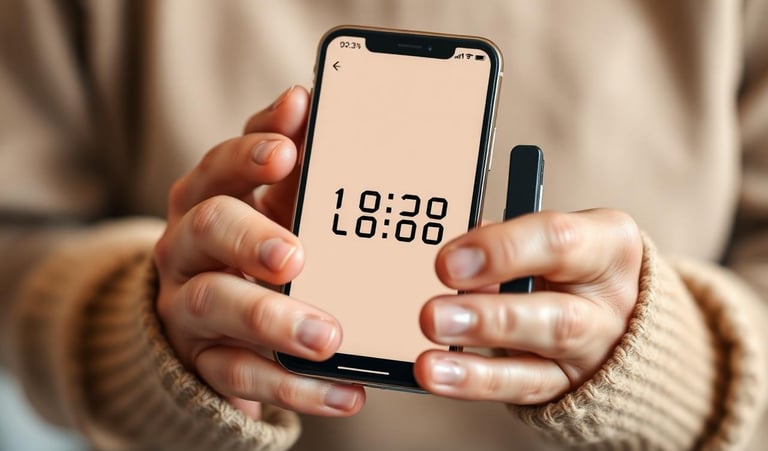
If you only do one thing after reading this article, do this: turn on two-factor authentication (2FA) for your email and your bank. Google reports that 2FA blocks 99.9% of automated account takeover attempts.
What is 2FA?
Logging in normally requires one factor: your password. Two-factor means logging in requires two factors:
Something you know (your password)
Something you have (your phone)
Even if a thief steals your password, they still don't have your phone, so they can't get in.
The three kinds of "second factor"
1. Text message codes. A 6-digit code is texted to you when you log in. Easiest to set up. Better than nothing, but not the strongest — SIM-swap attacks can intercept texts.
2. Authenticator app codes. An app like Google Authenticator, Microsoft Authenticator, or Authy generates a new 6-digit code every 30 seconds. Much safer than texts. Free.
3. Physical security keys. A small USB or NFC key (like a YubiKey) you tap. The most secure option, used by journalists and executives. About $25.
For most people, authenticator apps are the sweet spot of security and ease.
Where to turn it on first (in priority order)
Your primary email — this is the master key to every other account
Your bank and credit card accounts
Social Security and Medicare (my Social Security, MyMedicare)
Amazon, PayPal, Venmo — anywhere your money lives
Facebook — the most-hijacked social account for older adults
Most sites call this feature "two-step verification," "2FA," or "login approval." Look in Settings → Security.
Save your backup codes
When you turn on 2FA, the site gives you 8–10 one-time backup codes. Print these and put them in a safe place — not on your phone. They're how you get back in if your phone is ever lost or stolen.
Yes, it's one extra step. It's worth it.
The 10 extra seconds to type a code is the cheapest insurance you'll ever buy. We've never met someone who turned it on and regretted it — only people who wished they'd turned it on sooner.


Confidence in Every Click.
© 2026 The Digital Confidence Project™. All rights reserved.